PRIMAVISTA REDEVELOPMENT WORKBENCH

Agents that do real estate
development research

Screen a site, understand constraints, compare options, and walk into the next meeting with a clear story.

SCROLL TO EXPLORE
PRIMAVISTA WORKBENCH — ADDRESS TO EVIDENCE // SITE SCREENING // PLANNING CONSTRAINTS // CONCEPT OPTIONS // SHAREABLE FEASIBILITY STORY //
WORKBENCH SITE SCREENING CONCEPT STORY

PrimaVista
Redevelopment
Workbench.

PrimaVista helps developers and planners decide whether a site is worth pursuing by combining public evidence, planning constraints, maps, concept options, and 3D views in one shareable workspace.

primavista.ai/workspace/spatial-planning-workbench
Buyer-facing demo

Featured Demo: from address to first decision

Explore how a redevelopment opportunity becomes a shared feasibility story: site facts, constraints, concept massing, and the questions to validate next.

3D VIEWPORT Concept view for stakeholder review
EXPLORE THE CONCEPT

Featured Case Study

12,990m²
Land Parcel
12,395m²
Recoverable GFA
Location Viale Molise 62-70, Milan
Base Constraint Historical Cultural Interest (D.Lgs. 42/2004)
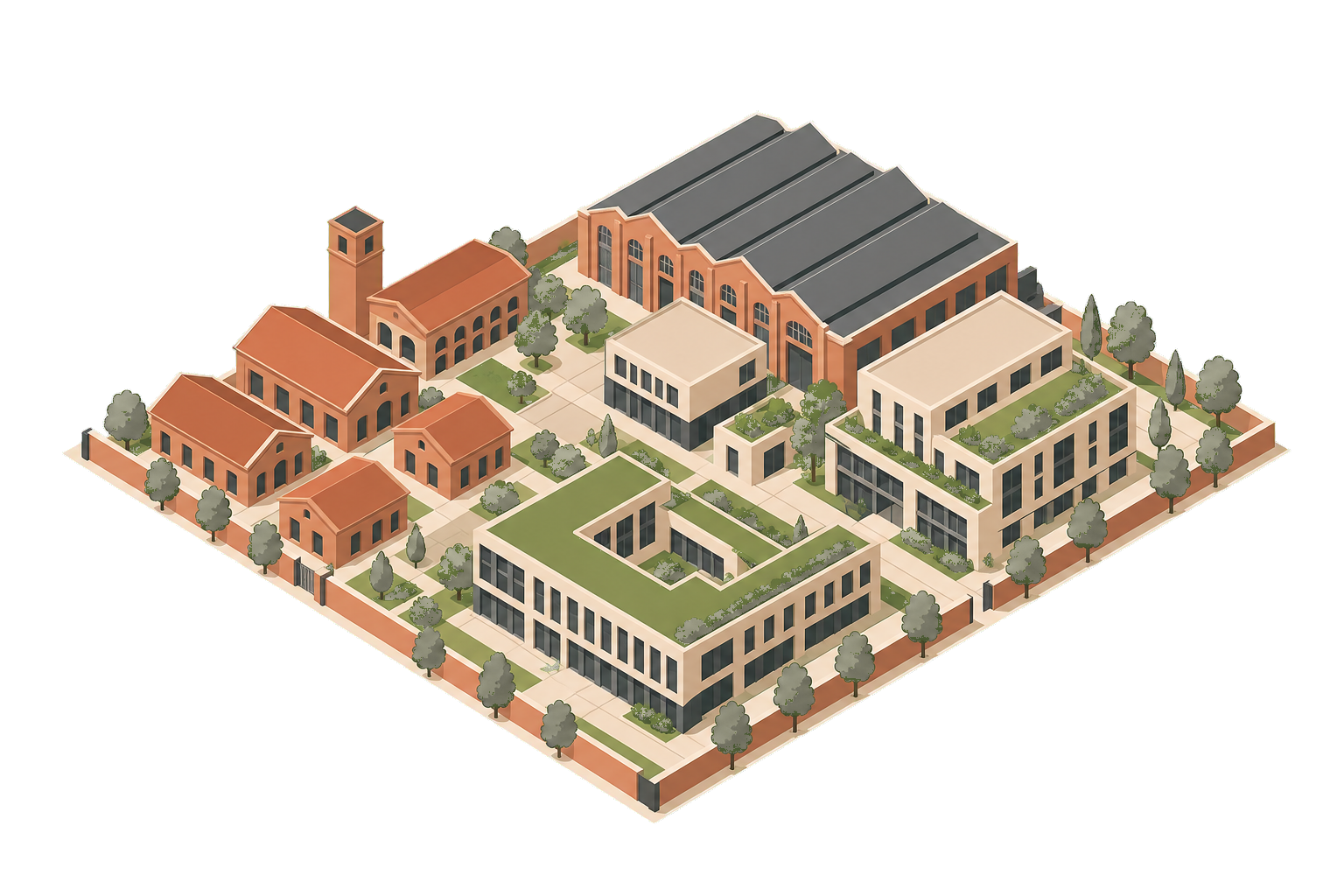
Generative Concept Adaptive reuse concept
Program Anchoring Socio-Cultural & Public Spines
Concept Output 6 Modular Heritage Pavilions
Zoning Strategy Food-Tech Innovation Ecosystem
Case proof

A hard site becomes legible

PrimaVista is useful when a site is messy: old buildings, public constraints, planning ambiguity, and stakeholders who need one clear picture.

For the Milan case study, PrimaVista assembled the project evidence, surfaced heritage and planning constraints, and packaged a first concept so the next conversation starts from shared facts instead of scattered files.
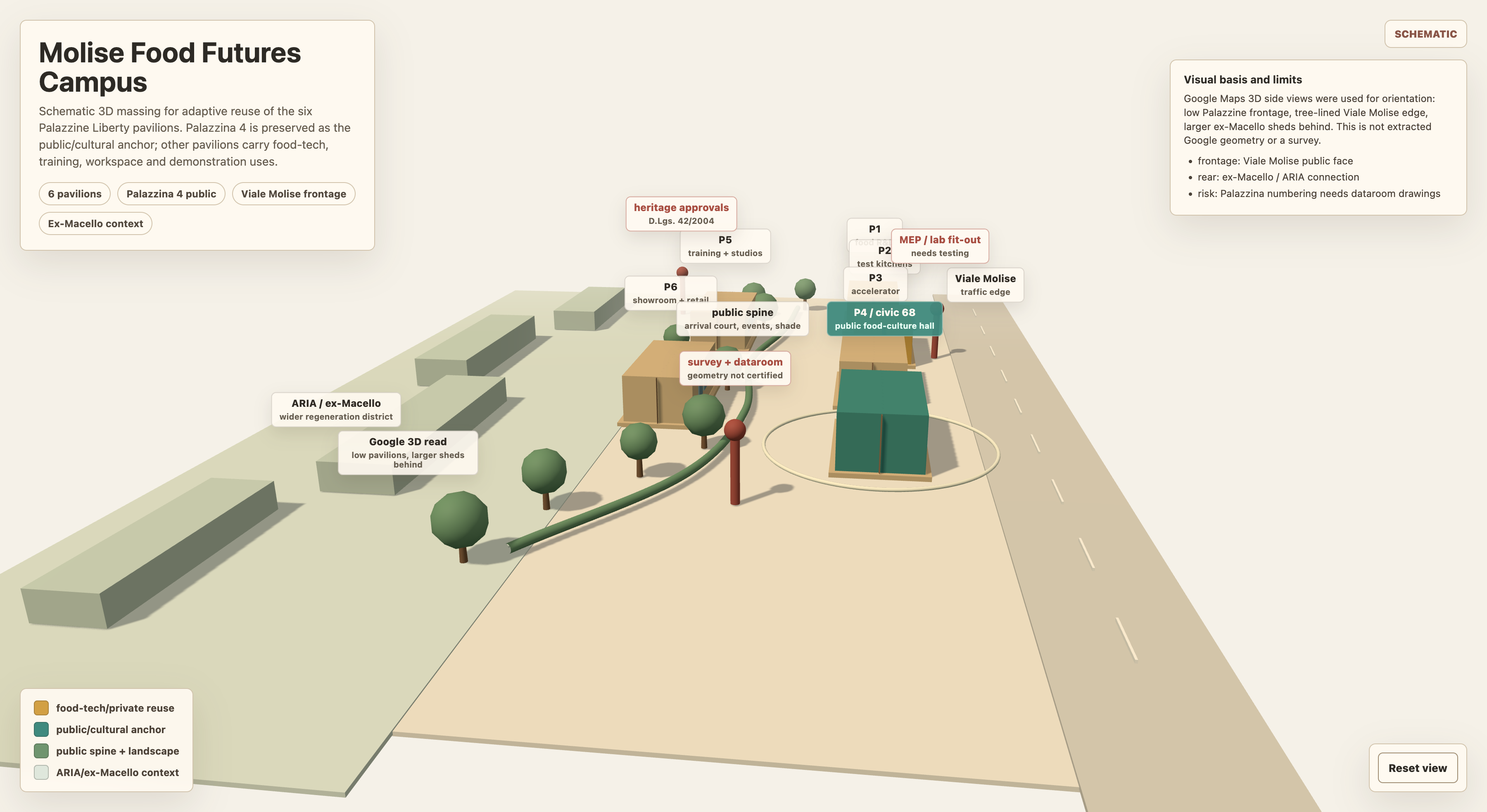
3D Massing Model Render for Molise Campus
Concept massing view
Generative 2D Masterplan Overlay
Site plan story
Product workflow

From address to decision

PrimaVista guides the early redevelopment workflow from first screening to stakeholder-ready evidence.

01
SCREEN
Find the site signal
Gather the basic public context: location, parcel shape, access, surroundings, and source trail.
02
COMPARE
Compare planning options
Turn constraints into option sketches that business and design teams can discuss together.
03
VISUALIZE
Make the opportunity visible
Show the massing and tradeoffs in a visual format that non-technical stakeholders can understand.
04
PACKAGE
Package the next meeting
Bundle evidence, concept visuals, risks, and next actions into a concise feasibility story.

Know if a site is worth the next meeting.

Move from scattered files to a shareable redevelopment story in one workspace.

Launch PrimaVista Workbench